
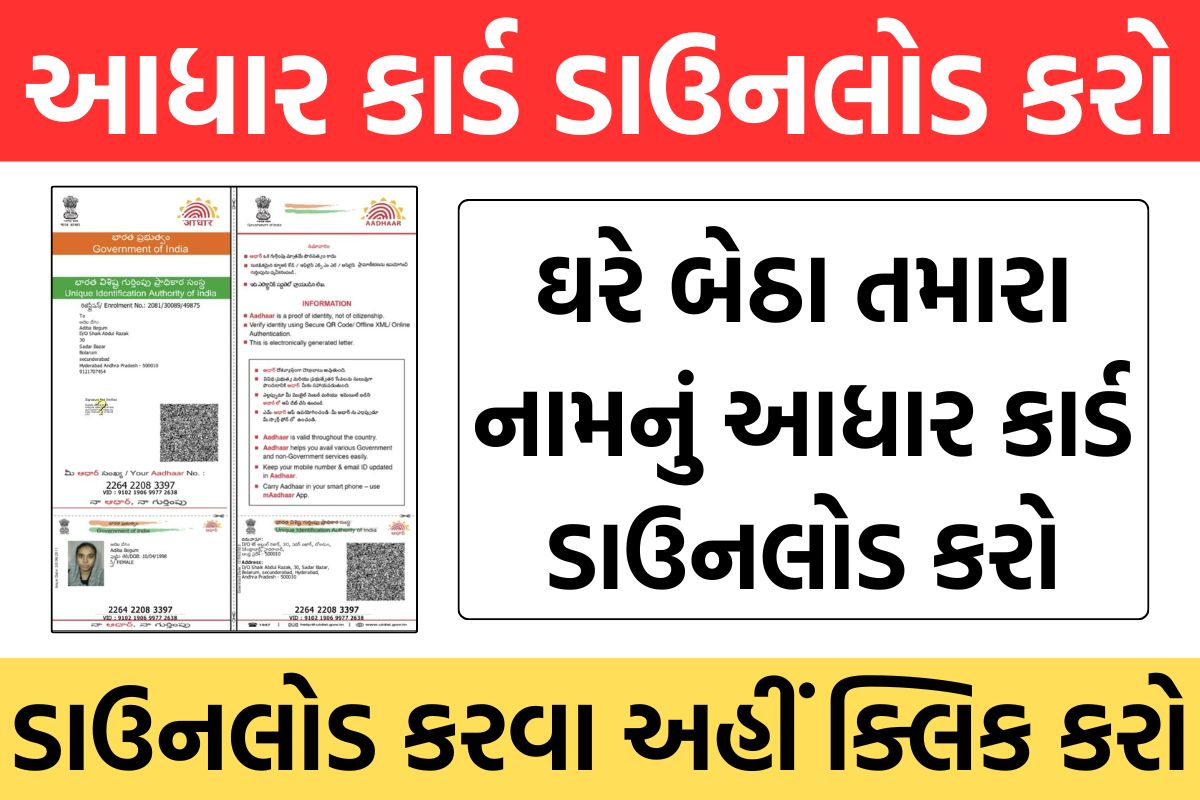
Aadhaar card has become a mandatory identity document for every Indian citizen today. If your Aadhaar card is lost or you want to download a new one , then you can download Aadhaar card online from the official website of UIDAI (Unique Identification Authority of India) uidai.gov.in .
Aadhar Card Download 2025 Overview
| Official organization | Unique Identification Authority of India (UIDAI) |
| Aadhar card service | For all Indian citizens |
| Aadhaar download process | Online |
Different types of Aadhaar cards
According to UIDAI , there are mainly 4 types of Aadhaar cards:
1. m-Aadhaar
- m-Aadhaar is the official mobile app of UIDAI, which can be downloaded from the Google Play Store.
- This app stores your Aadhaar digitally .
2. Aadhaar Letter
- Aadhaar letter is a laminated paper Aadhaar, which is sent by UIDAI with a secure QR code and printed date .
3. PVC Aadhaar Card
- PVC Aadhaar card is a credit card sized and durable card .
- It contains a QR code, photo, and digital signature .
4. e-Aadhaar Card
- e-Aadhaar is a digital/electronic Aadhaar, which is in PDF format.
- This can be downloaded with a QR code and UIDAI digital signature .
Aadhar Card Download Process (Aadhar Card Download 2025 Online)
Download Aadhar Card by Aadhar Number:
- Go to uidai.gov.in .
- Click on the “Download Aadhaar Card” option.
- Enter your Aadhaar number, EID or VID.
- Enter the captcha code and click “Send OTP”.
- Enter the OTP received on your registered mobile number.
- Click “Verify & Download”.
- Your e-Aadhaar Card will be downloaded in PDF format.
Your password to open the Aadhaar PDF:
- The first 4 letters of your name (in capitals) and your year of birth (YYYY).
- Example: RAJU1973 (RAJU is the name and 1973 is the year of birth).
How to download Aadhaar card without Aadhaar number?
Download Aadhaar by name and date of birth:
- Go to uidai.gov.in .
- Select the “Retrieve Lost/Forgotten UID/EID” option.
- Enter your name and registered mobile number.
- Verify via OTP and get UID/EID.
- Go to the “Download Aadhaar” page and enter your UID/EID to download Aadhaar.
Can Aadhaar card be downloaded without OTP?
If your mobile number is not linked to Aadhaar, you should:
- You will have to go to the nearest Aadhaar center .
- Biometric verification will have to be done.
- A charge of ₹50 will be charged for printing.
UIDAI does not provide any online option to download Aadhaar without OTP.
How to get Aadhaar card offline?
- Aadhaar can be updated or printed by visiting the Aadhaar Center.
- Thumb impression verification is required to update biometric information.
- A charge of ₹50 will be charged for printing.
Important Links
| Aadhar Card Download Link | Click here |
| Aadhar Card Status Check Link | Click here |
| Official website | Click here |
| Home page | Click here |